First Deposit on Kunkka88: GCash Walkthrough for Beginners
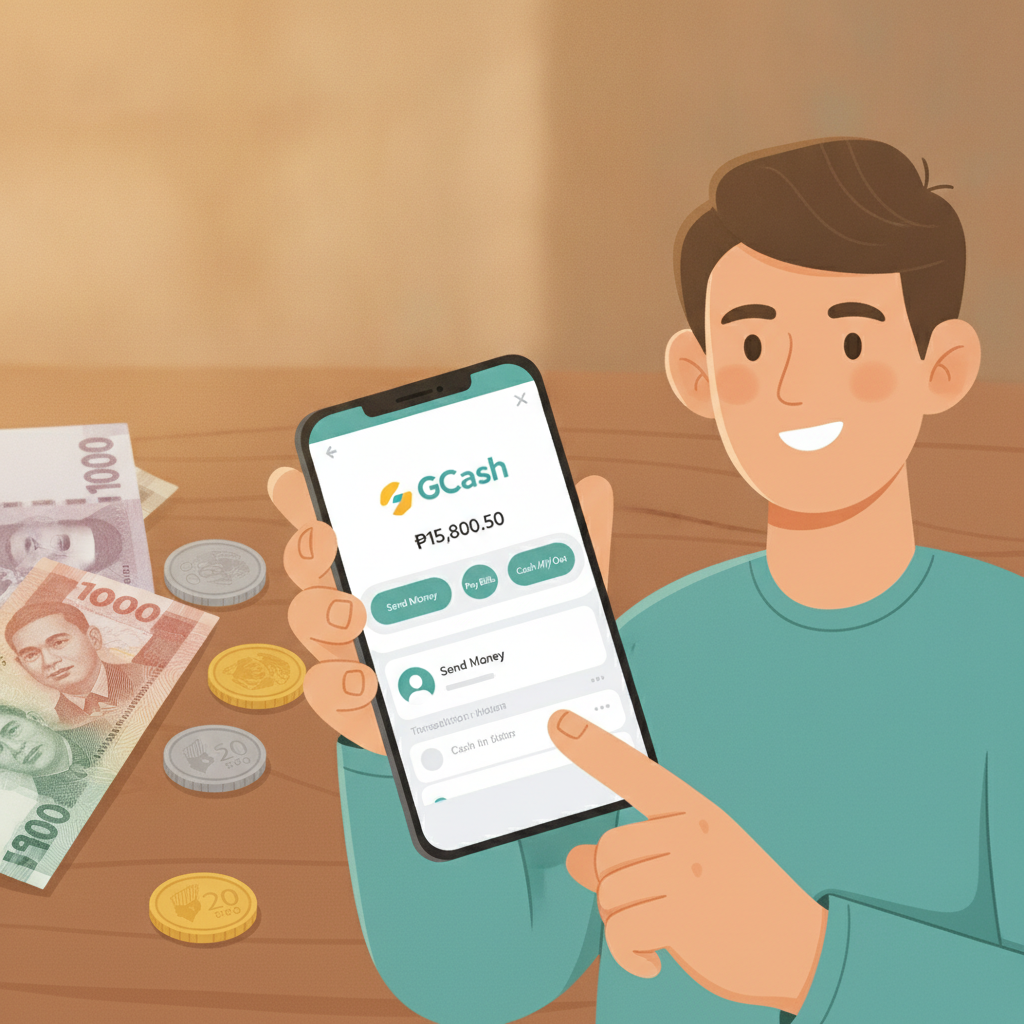
First Deposit on Kunkka88: GCash Walkthrough for Beginners
Making your first deposit on Kunkka88 using GCash is straightforward once you know the steps. This guide walks Filipino players through the entire process—from minimum amounts to how long it takes for funds to appear in your account.
Before you start, make sure you've completed Kunkka88 register and have your account verified. You'll also need an active GCash account with sufficient balance.
Important: Kunkka88 is for players 21 years old and above only. Set a budget before you deposit and never bet more than you can afford to lose.
Minimum Deposit Amount in PHP for Kunkka88
Kunkka88 sets a minimum deposit of PHP 100 for GCash transactions. This low entry point makes it accessible for most Filipino players who want to try slots, live dealer games, or sports betting on PBA and NBA without committing a large amount upfront.
There is typically a maximum single deposit limit as well—often around PHP 50,000 per transaction—but this can vary. Check the cashier page after you log in to see current limits displayed for GCash.
If you plan to deposit more than the maximum in one go, you can split it into multiple transactions. Just keep in mind that each deposit must meet the PHP 100 minimum.
Step-by-Step: Linking and Depositing with GCash
Once you've logged into your Kunkka88 account on your Android phone or mobile browser, follow these steps to make your first GCash deposit.
Step 1: Navigate to the Cashier or Deposit Section
After Kunkka88 login, look for a button labeled Deposit, Cashier, or Wallet. This is usually found in the top-right corner of the screen or in the main menu (three-line icon).
Tap it to open the deposit options page.
Step 2: Select GCash as Your Payment Method
You'll see a list of payment methods available to Filipino players: GCash, Maya, bank transfer via InstaPay or PESONet, and sometimes others.
Tap GCash. The platform will display the deposit limits and any instructions specific to GCash transactions.
Step 3: Enter Your Deposit Amount
Type the amount you want to deposit in Philippine pesos. Remember the minimum is PHP 100.
Double-check the number before proceeding. Some platforms show a preview of how much will be credited to your Kunkka88 account—it should match what you entered, as GCash deposits on Kunkka88 typically do not carry additional processing fees.
Step 4: Confirm and Proceed to GCash
Tap Confirm, Next, or Proceed.
Kunkka88 will redirect you to the GCash payment gateway or prompt you to open the GCash app if it's installed on your Android device. If you're using a mobile browser, you may see a GCash login page.
Step 5: Authorize the Payment in GCash
If the GCash app opens:
- Review the payment details: recipient, amount, and reference number.
- Enter your GCash MPIN to authorize the transaction.
- Tap Confirm or Pay Now.
If you're on the GCash web gateway:
- Log in with your GCash registered mobile number and MPIN.
- Verify the transaction details.
- Confirm the payment.
You'll receive an on-screen confirmation and an SMS from GCash once the payment is successful.
Step 6: Return to Kunkka88
After completing the GCash payment, you'll be redirected back to Kunkka88. You may see a confirmation message or a loading screen while the deposit is being processed.
Do not close the browser or app abruptly—wait for the redirect to finish to avoid any processing delays.
How Long Deposits Take to Appear in Your Account
GCash deposits on Kunkka88 are usually instant or within 1–5 minutes. In most cases, your balance updates as soon as you return to the Kunkka88 homepage after completing the GCash payment.
If your deposit doesn't appear right away:
- Wait up to 5 minutes and refresh your account balance.
- Check your GCash transaction history to confirm the payment went through.
- Look for a transaction reference number in the SMS confirmation from GCash.
Occasional delays can happen due to high traffic on the payment gateway or technical maintenance. If your balance hasn't updated after 10–15 minutes and GCash has deducted the amount, contact Kunkka88 customer support with your transaction reference number.
Keep the GCash SMS confirmation and take a screenshot of your GCash transaction history for reference.
Screenshot Guide for First-Time Users on Android
For players making their first deposit, here's what you'll see on an Android phone during the process.
Home Screen After Kunkka88 Login
Once logged in, you'll land on the Kunkka88 homepage showing slots, jackpot games, live dealer tables, and sports betting tabs. The Deposit button is usually at the top right or accessible via the menu icon.
Cashier / Deposit Page
Tapping Deposit opens the cashier screen. You'll see tiles or buttons for each payment method. GCash is typically at the top of the list for Filipino players.
Tap the GCash tile.
Deposit Amount Entry
A field will appear asking you to enter the amount in PHP. The minimum and maximum deposit limits are displayed above or below this field.
Type your desired amount (e.g., PHP 200) and tap Confirm or Next.
GCash Redirect or App Launch
If the GCash app is installed, it will open automatically. You'll see a payment request screen showing:
- Merchant or biller name (often the payment processor used by Kunkka88)
- Amount in PHP
- Transaction reference number
Review the details.
GCash MPIN Entry
Enter your 4-digit GCash MPIN to authorize the payment.
If you've enabled biometric login (fingerprint or face unlock), you may be able to use that instead.
Payment Confirmation
GCash will display a success message: "Payment Successful" or similar. An SMS confirmation will also arrive on your registered mobile number within seconds.
Tap Done or Back to Merchant to return to Kunkka88.
Balance Update on Kunkka88
You'll be redirected to your Kunkka88 account. Refresh the page or check your wallet balance—it should now reflect the deposited amount.
You're ready to start playing slots, join a live dealer table, or place a bet on PBA or NBA games.
Tips for a Smooth First Deposit
- Check your GCash balance before starting. Make sure you have enough to cover the deposit amount.
- Use a stable internet connection. Mobile data or Wi-Fi both work, but avoid switching networks mid-transaction.
- Keep your GCash app updated. Outdated versions can cause redirect issues.
- Take screenshots of every step if you're unsure. This helps if you need to contact support.
- Don't deposit more than you planned. Stick to your budget, especially when you're just starting out.
What Happens After Your First Deposit
Once your deposit is credited, you can explore Kunkka88's games and betting options:
- Slots and jackpot games: Minimum bets often start at PHP 1 per spin, so a PHP 100 deposit gives you plenty of spins to try different titles.
- Live dealer tables: Baccarat, blackjack, and roulette tables typically have minimum bets ranging from PHP 10 to PHP 50.
- Sports betting: You can place bets on PBA, NBA, and volleyball with minimums as low as PHP 10–20 depending on the market.
- Bingo: Bingo cards usually cost PHP 5–10 each.
Start small to get familiar with how each game works and how bets are placed.
21+ Requirement and Play Responsibly Reminder
Kunkka88 is strictly for players 21 years old and above. Online gambling is meant to be entertainment, not a way to make money.
Here are a few responsible gambling tips:
- Set a deposit limit for yourself each week or month.
- Never chase losses by depositing more than you planned.
- Take breaks and don't play when you're stressed or under the influence.
- If you feel gambling is becoming a problem, seek help from family, friends, or support services.
Treat your deposits as the cost of entertainment, and only bet what you can comfortably afford to lose.
Final Thoughts
Making your first deposit on Kunkka88 with GCash is quick and beginner-friendly. With a low PHP 100 minimum, instant processing, and support for the most popular e-wallet in the Philippines, it's easy to get started whether you're in Metro Manila or the provinces.
Follow the steps in this guide, keep your GCash app handy, and you'll have funds in your account within minutes. From there, you can explore slots, try your luck at live dealer tables, or place your first bet on PBA or NBA games.
Remember to play responsibly, stick to your budget, and enjoy the experience. Good luck, and play safe.