How to Deposit on Kunkka88 Using Maya (PayMaya) - Step-by-Step Guide
Maya Deposit Limits and Minimum Amounts on Kunkka88
Maya (formerly PayMaya) is one of the fastest ways to fund your Kunkka88 account if you're playing from the Philippines. Before you start, check that you have enough balance in your Maya wallet and understand the platform's deposit rules.
Minimum deposit: Kunkka88 typically sets a minimum deposit of PHP 100 when you use Maya. This matches the standard entry point for most Filipino online casino players who want to try slots, live dealer games, or sports betting without committing a large amount upfront.
Maximum per transaction: The upper limit varies depending on your Maya account verification level. Unverified Maya accounts have lower daily transaction caps, while fully verified accounts—linked to a valid government ID—can handle larger deposits. Kunkka88 itself may also impose a per-transaction ceiling, often in the range of PHP 10,000 to PHP 50,000, though this can change based on promotions or account standing.
Daily and monthly limits: Maya enforces its own wallet limits. A basic Maya account might cap you at PHP 50,000 per month, while an upgraded account can transact up to PHP 100,000 or more. Always check your Maya app for your current tier and remaining balance before placing a deposit.
Because deposit limits can shift, confirm the exact figures inside your Kunkka88 account dashboard or contact customer support if you plan to deposit more than PHP 5,000 in a single session.
Walkthrough: Selecting Maya as Your Payment Method
Once you've logged in to your Kunkka88 account, follow these steps to choose Maya as your deposit channel.
Step 1: Navigate to the Deposit page
Tap the Deposit or Cash In button, usually found in the top menu or account sidebar on the Kunkka88 mobile site. If you're using the Kunkka88 app, look for a wallet or plus icon.
Step 2: Choose Maya from the payment options
You'll see a list of available methods: GCash, Maya, bank transfer (InstaPay, PESONet), and possibly others. Tap Maya or PayMaya—both names may appear depending on when the platform last updated its labels.
Step 3: Enter the amount you want to deposit
Type in your desired deposit amount in Philippine pesos. Make sure it's at least PHP 100 and does not exceed your Maya wallet balance or the per-transaction limit. The platform will display any applicable fees, though Maya-to-Kunkka88 deposits are usually fee-free on the casino side; check your Maya app for wallet fees.
Step 4: Review the transaction summary
Before you proceed, Kunkka88 will show a summary screen with the deposit amount, payment method, and any bonus you might be eligible for (though this guide does not cover bonus terms). Double-check the figures, then tap Continue or Next.
Entering Your Maya Account Details and Confirming the Transaction
After selecting Maya and confirming the amount, Kunkka88 will redirect you to Maya's payment gateway or prompt you to open the Maya app.
Automatic redirect (in-app or browser)
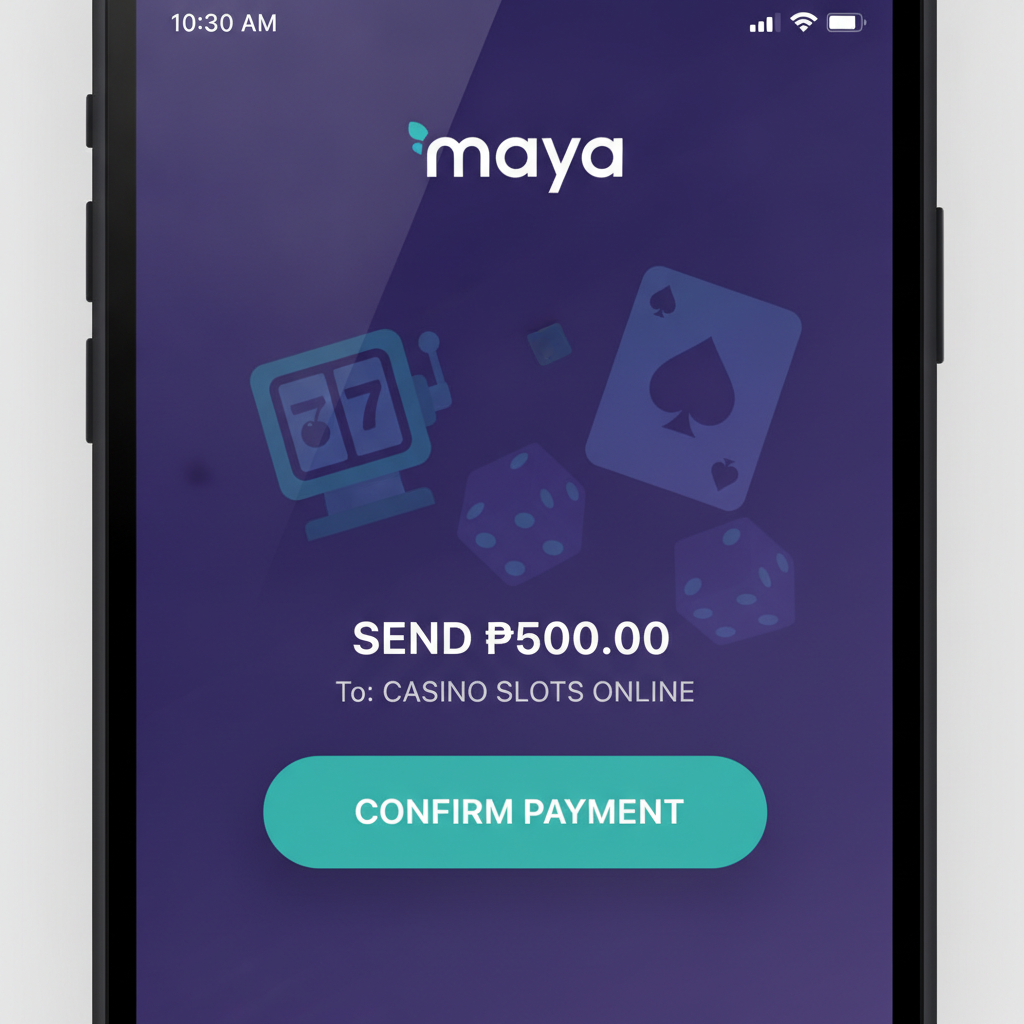
If you have the Maya app installed on your Android device, Kunkka88 will attempt to launch it automatically. You'll land on a payment-confirmation screen inside Maya that shows:
- The merchant name (often "Kunkka88" or a payment-processor alias)
- The exact peso amount you're depositing
- Your current Maya wallet balance
Manual login (if the app doesn't open)
If the redirect fails, you may be taken to a mobile-web version of the Maya checkout. Enter your Maya mobile number and the one-time PIN (OTP) sent via SMS. This two-step verification keeps your transaction secure.
Authorize the payment
Once you're logged in, review the transaction details one last time. If everything looks correct—merchant, amount, and balance—tap Confirm or Pay Now. Maya will deduct the amount from your wallet instantly and send a confirmation message to your registered mobile number.
Return to Kunkka88
After payment, Maya will redirect you back to the Kunkka88 site or app. You'll see a success message or a loading screen while the platform processes the deposit. Do not close the browser or app during this step; wait until you receive a confirmation notification from Kunkka88.
Typical Processing Times for Maya Deposits
One of the main reasons Filipino players choose Maya is speed. Most deposits are instant or near-instant, meaning your Kunkka88 account balance updates within seconds to a few minutes after you confirm payment in the Maya app.
Instant crediting
In normal conditions—when both Maya's servers and Kunkka88's payment gateway are running smoothly—you'll see your funds reflected in your casino wallet within 10 to 60 seconds. This lets you jump straight into slots, live baccarat, or place a bet on a PBA game without waiting.
Delayed processing
Occasionally, deposits may take longer due to:
- High traffic: Peak hours, especially evenings and weekends, can slow down payment gateways.
- Maintenance windows: Maya or Kunkka88 may schedule brief system upgrades. Check the Kunkka88 announcement banner or Maya's official social-media channels if you experience delays.
- Network issues: Unstable mobile data or Wi-Fi can interrupt the redirect between Maya and Kunkka88, causing the confirmation to hang.
If your balance hasn't updated after 15 minutes, check your Maya transaction history to confirm the payment went through. If Maya shows the deduction but Kunkka88 does not reflect the deposit, take a screenshot of your Maya receipt and contact Kunkka88 customer support via live chat or email. Most discrepancies are resolved within a few hours.
No reversal once confirmed
Because Maya transactions are processed in real time, you cannot cancel a deposit once you tap Confirm in the Maya app. Always double-check the amount and merchant name before authorizing payment.
Troubleshooting Common Maya Deposit Issues
While Maya deposits are generally smooth, new players sometimes run into a few hiccups.
"Insufficient balance" error
Make sure your Maya wallet has enough pesos to cover the deposit plus any wallet fees. Top up your Maya account at any partner outlet—7-Eleven, SM, or online bank transfer—before trying again.
OTP not arriving
If you don't receive the SMS one-time PIN, check that your mobile number registered with Maya matches the SIM card in your phone. You can also request a new OTP or use the Maya app's biometric login if you've enabled it.
Redirect loop or blank screen
Clear your mobile browser cache or force-close and reopen the Kunkka88 app. Switching from mobile data to Wi-Fi (or vice versa) can also resolve redirect problems.
"Payment method temporarily unavailable"
This message usually means Kunkka88 or Maya is undergoing maintenance. Wait 30 minutes and try again, or choose GCash or bank transfer as an alternative.
For issues that persist beyond an hour, reach out to Kunkka88 support with your registered mobile number and a screenshot of the error message.
Age Restriction and Responsible Gambling Reminder
21+ only. Kunkka88 is intended for players aged 21 and over. You must verify your age with a valid government-issued ID during account registration or before making your first withdrawal. Underage gambling is prohibited.
Play responsibly. Set a deposit budget before you fund your account, and never chase losses. If you feel you're spending more time or money than you can afford, use Kunkka88's self-exclusion or cooling-off features, or contact a local problem-gambling helpline for confidential support.
Final Checklist Before You Deposit
- Confirm your Maya wallet has at least PHP 100 and is fully verified if you plan larger deposits.
- Log in to your Kunkka88 account and navigate to the Deposit page.
- Select Maya, enter the amount, and review the transaction summary.
- Authorize payment in the Maya app and wait for the redirect back to Kunkka88.
- Check your Kunkka88 balance; most deposits arrive within 60 seconds.
- If funds don't appear after 15 minutes, screenshot your Maya receipt and message Kunkka88 support.
Maya offers a fast, mobile-friendly way to deposit on Kunkka88, making it easy to top up your balance and start playing slots, live dealer games, or bet on your favorite PBA and NBA matches—all from your Android phone.