Kunkka88 Login Guide: Access Your Account on Mobile and Desktop
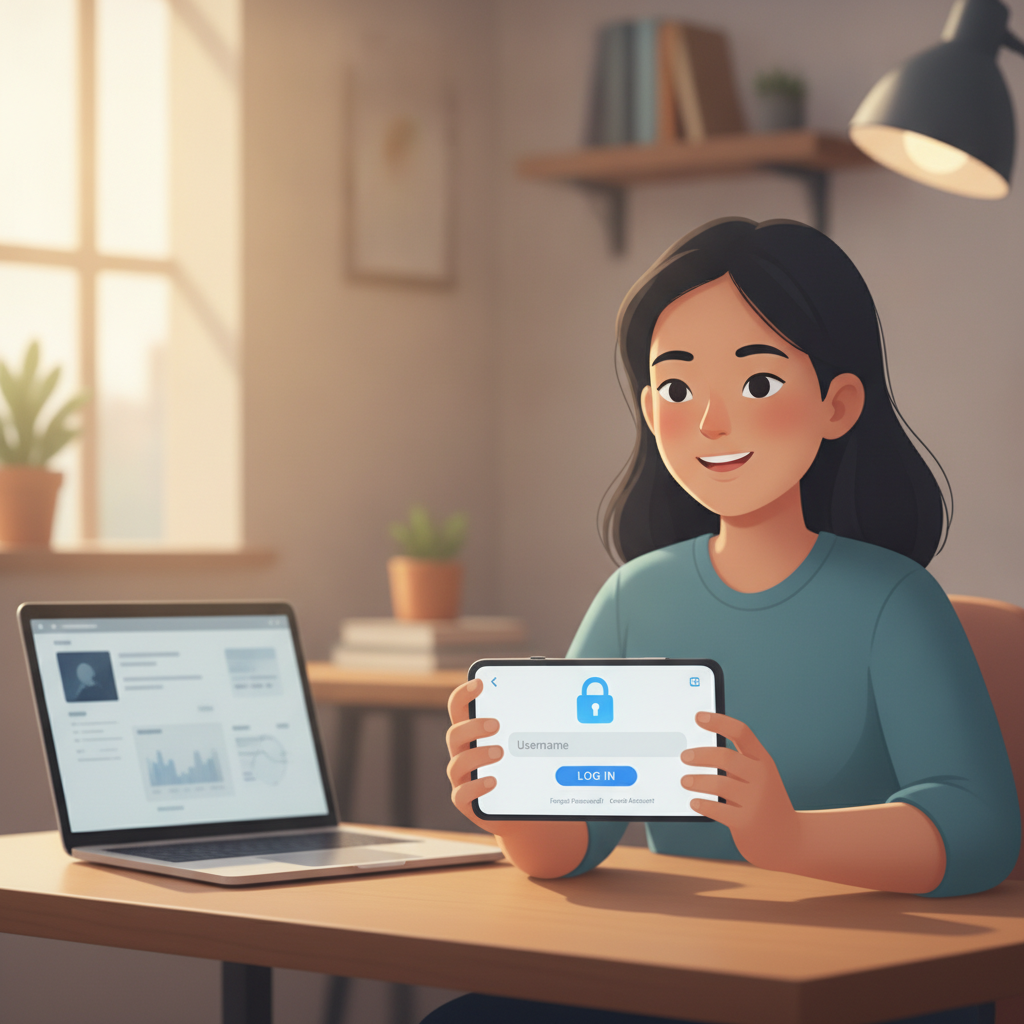
How to Find the Kunkka88 Login Page on Your Phone or Computer
If you already registered with Kunkka88, logging in takes just a few taps or clicks. The login page is the same whether you're on an Android phone, iPhone, or desktop computer.
On mobile (Android or iOS):
- Open your browser—Chrome, Safari, or whatever you normally use.
- Type the Kunkka88 website address into the URL bar. (Always double-check the spelling to avoid fake sites.)
- The homepage will load. Look for the "Login" or "Sign In" button, usually at the top-right corner of the screen.
- Tap it to reach the login form.
Most Filipino players access Kunkka88 on mobile, so the site is designed mobile-first. The login button is large enough to tap easily, even on smaller screens.
On desktop or laptop:
- Open your web browser.
- Navigate to the official Kunkka88 site.
- At the top-right of the homepage, you'll see a "Login" button.
- Click it to open the login page.
The desktop layout is similar to mobile, just wider. All the same features—slots, live dealer games, sports betting on PBA and NBA—are available on both.
Bookmark the site: To save time, bookmark the login page on your phone's home screen or in your browser. This way, you won't need to search for it every time.
Avoid phishing sites: Only use the official Kunkka88 domain. If you're ever unsure, check your original registration email or contact Kunkka88 support. Fake casino sites designed to steal login details do exist, so stay alert.
Entering Your Username and Password Correctly
Once you're on the Kunkka88 login page, you'll see two fields: one for your username (or email or mobile number, depending on what you used during registration) and one for your password.
Username field:
- Enter exactly what you registered with. This might be your email address, mobile number, or a username you created.
- Usernames and emails are usually not case-sensitive, but it's safest to enter them the same way you did when you signed up.
- Make sure there are no extra spaces before or after.
Password field:
- Passwords are case-sensitive. If you set your password as "MyPassword123", typing "mypassword123" won't work.
- Check that Caps Lock isn't on if you're using a keyboard.
- On mobile, the password field will hide your characters for security (you'll see dots or asterisks). If you keep making mistakes, some browsers let you tap an "eye" icon to reveal the password briefly.
Common mistakes to avoid:
- Auto-fill errors: If your browser or password manager fills in the wrong account, clear the fields and type manually.
- Keyboard language: If you have multiple keyboard languages installed on your phone (Tagalog, English, etc.), make sure you're typing in the same language you used when creating the password.
- Special characters: If your password includes symbols like @, #, or !, ensure they're typed correctly.
After filling in both fields, tap or click the "Login" or "Sign In" button. If your details are correct, you'll be taken to your Kunkka88 account dashboard, where you can check your balance, make a deposit via GCash or Maya, and start playing slots, live dealer games, or place a bet on PBA or NBA.
What to Do if You Forgot Your Login Details
Forgot your password? It happens. Kunkka88 has a straightforward recovery process.
Resetting your password:
- On the login page, look for a link that says "Forgot Password?" or "Reset Password." It's usually below the login fields.
- Tap or click it.
- You'll be asked to enter the email address or mobile number you used to register.
- Submit the form.
- Kunkka88 will send a password-reset link to your email, or an SMS with a code to your phone.
- Check your inbox (and spam folder, just in case). If you chose SMS, check your messages.
- Follow the link or enter the code as instructed.
- Create a new password. Pick something strong but memorable—mix letters, numbers, and symbols.
- Save your new password in a secure place (a password manager app is a good option).
Forgot your username or email?
If you can't remember which email or mobile number you used to register, check:
- Your email inbox for the Kunkka88 welcome or confirmation message.
- Your phone's SMS history for any registration codes.
- Any notes or password managers where you might have saved your details.
If you still can't find it, contact Kunkka88 customer support. They'll ask you a few questions to verify your identity (like your full name, date of birth, or recent deposit details) before helping you recover your account.
Account locked after too many failed attempts?
For security, Kunkka88 may temporarily lock your account if you enter the wrong password several times in a row. If this happens, wait 15–30 minutes and try again, or use the password-reset option. If the problem persists, reach out to support.
Security Tips for Keeping Your Kunkka88 Account Safe
Your Kunkka88 account holds your peso balance and payment details linked to GCash, Maya, or your bank. Keeping it secure is essential.
Use a strong, unique password:
- Combine uppercase and lowercase letters, numbers, and symbols.
- Avoid obvious choices like "password123" or your birthday.
- Don't reuse the same password you use for email, social media, or other sites.
Enable two-factor authentication (2FA) if available:
Check your Kunkka88 account settings to see if two-factor authentication is offered. This adds an extra layer of security by requiring a code from your phone every time you log in, even if someone knows your password.
Log out when you're done:
Especially if you're using a shared device or public Wi-Fi, always log out after your session. Don't just close the browser tab.
Keep your login details private:
- Never share your username or password with anyone—not friends, not customer support (real support will never ask for your password).
- Be wary of anyone contacting you via text or email claiming to be from Kunkka88 and asking for your login credentials. Always go directly to the official site.
Avoid public or unsecured Wi-Fi for deposits:
While you can browse and log in on public Wi-Fi, it's safer to make peso deposits through GCash, Maya, or bank transfer when you're on a secure, private connection—like your home Wi-Fi or mobile data.
Check the URL:
Before entering your username and password, glance at the browser's address bar. Make sure you're on the real Kunkka88 domain, not a lookalike phishing site.
Keep your phone and computer secure:
- Use a screen lock (PIN, fingerprint, or face unlock) on your phone.
- Install updates for your operating system and browser to patch security holes.
- Run antivirus or security software if you're on a desktop.
Monitor your account activity:
Regularly check your Kunkka88 transaction history. If you see deposits, withdrawals, or bets you didn't make, change your password immediately and contact support.
Why You Might Have Trouble Logging In
Sometimes logging in doesn't work, even when you're sure your details are correct. Here are a few reasons why:
Site maintenance:
Kunkka88 occasionally takes the platform offline for updates or maintenance, usually in the early morning hours. If the site won't load at all, wait an hour and try again.
Browser cache or cookies:
Old cached files can sometimes cause login issues. Try clearing your browser's cache and cookies, or open the Kunkka88 site in an incognito or private browsing window.
Outdated browser:
If you're using an old version of Chrome, Safari, or another browser, update it. Modern casino sites rely on current web standards.
Account suspended:
If Kunkka88 has flagged your account for a policy violation—like providing false information during registration—you may be locked out. In this case, customer support will have sent you an email or SMS explaining the issue.
Typographical errors:
Double-check that you're spelling your username and password exactly right, including any capital letters or symbols.
If none of these solutions work, contact Kunkka88 support. Describe the issue, mention any error messages you're seeing, and provide your registered email or mobile number so they can investigate.
Staying Safe and Playing Responsibly
Kunkka88 is designed for entertainment. While slots, live dealer games, and sports betting on PBA, NBA, and volleyball can be fun, they also carry risk. Set a budget in pesos before you start, and never bet more than you can afford to lose.
This service is strictly for players aged 21 and over. If you're under 21, you are not permitted to register or play. If you or someone you know is struggling with gambling, resources and support are available. Take breaks, set deposit limits if Kunkka88 offers them, and remember that gambling should never interfere with your financial responsibilities or well-being.
Kunkka88 Guide PH is an independent information site. We are not affiliated with or operated by Kunkka88. This guide is meant to help Filipino players understand how to log in and use the platform. Always gamble responsibly, and never wager money you can't afford to lose.